What belongs in a contact QR
Our Contact Card QR tool builds a vCard-style payload: name, phone, email, website, and optional note. For service businesses, think about what a customer needs the day after the visit—usually a direct phone line or text number, a monitored email, and your main website or booking page.
If you only want people to land on a scheduling page, a Link / URL QR can be clearer than a full contact card. Use contact QR when “save us in your phone” is the real goal.
Business cards and leave-behinds
Cards still work because they travel home in a pocket. A small QR next to your logo with plain text like Scan to save contact beats a mystery code. Test the print size on matte stock so phones can read it under kitchen light.
If you rotate technicians, consider separate cards per lead tech—or one company-wide card that points at a shared dispatch line so the QR stays valid when staffing changes.
Reception counters and shop windows
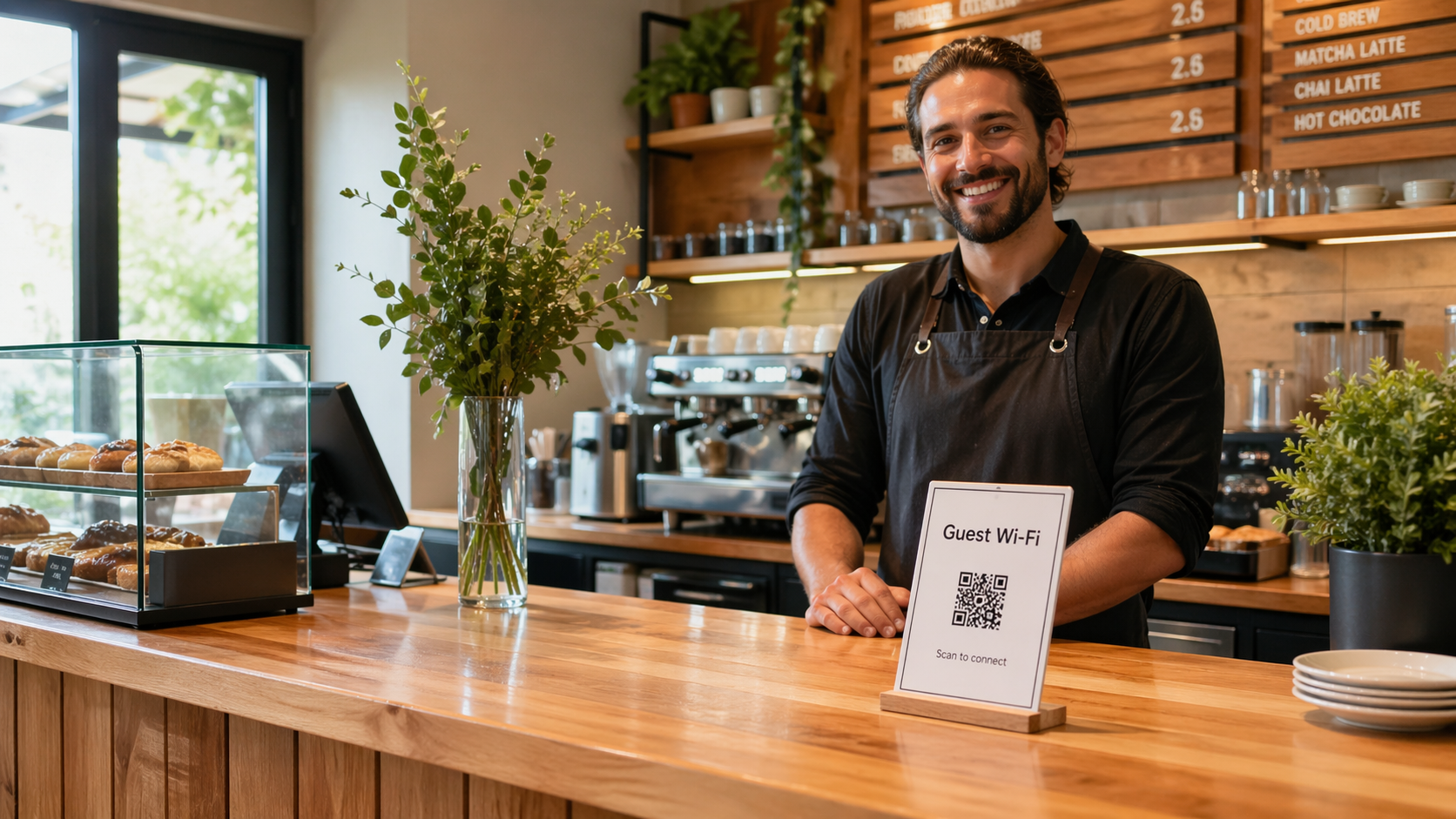
A counter tent or acrylic stand is easy to sanitize and reprint. Mount the QR at a natural pause point—next to the card reader or estimate clipboard—so people scan after they have decided to work with you.
Pair the code with one line of context: Questions after your visit? Scan to save our office line. That reduces mistaken scans from people who thought it was Wi‑Fi or payment.
Vans, trucks, and magnets
Vehicle signage is about distance and weather. Print larger than a business card, with high contrast and a short label. Magnets and decals can work; just confirm the laminate is matte enough to avoid glare from sun on the panel.
Expect mixed results from highway-speed drive-bys—van QR codes help most when the vehicle is parked at a job and neighbors walk over. For that moment, the same code as your counter card is usually fine.
Job sites and temporary boards
Laminated sheets on a folding table, clipboards, or a weather-safe document holder keep a code scannable on dusty days. If the site has no reception desk, one board near where you sign paperwork is enough.
When the job is done, customers remember the person they met—so the “name” field in the Contact Card QR tool should reflect what you want saved in their phone (company name, “Alex @ Company,” or both in the note field).
What to avoid
- Encoding personal mobile numbers you do not want on public van signage.
- Stale email addresses that bounce—treat a bad inbox like a broken link.
- Stacking three different QR codes in one small area without labels.
Next step: Build the card in the Contact Card QR tool, scan it yourself on iPhone and Android, then print one proof before a full batch of cards or magnets.
If you also collect reviews after great service, see Google review QR placement. For guest Wi‑Fi in a storefront, read printing a Wi‑Fi QR sign and using Wi‑Fi QR in your business.
When customers have trouble finding your unit or entrance, add a directions sign too. Our guide on using a location QR code for business directions covers practical storefront and event placement.