What link should the QR open?
Use the official checkout, invoice, or profile link from the system you already trust—your POS provider’s pay link, your card processor’s hosted checkout, or your wallet app’s payment or tip page copied from that app’s “share” or business settings.
The Payment QR tool treats the destination like any secure web URL: paste an https:// link you control or that your processor issued to you. If you are not sure which URL is correct, open it in a private browser tab first and confirm it shows the payer experience you expect.
Tips versus full checkout
Many teams use one QR on a tip jar and a different one at the register for full tickets. Keeping two codes avoids awkward moments where a customer intended to add a gratuity but landed on a full-payment flow—or the reverse.
Label each sign in plain words: Tip team here versus Pay your bill here. Small wording changes prevent the wrong scan at a busy counter.
What to print around the code
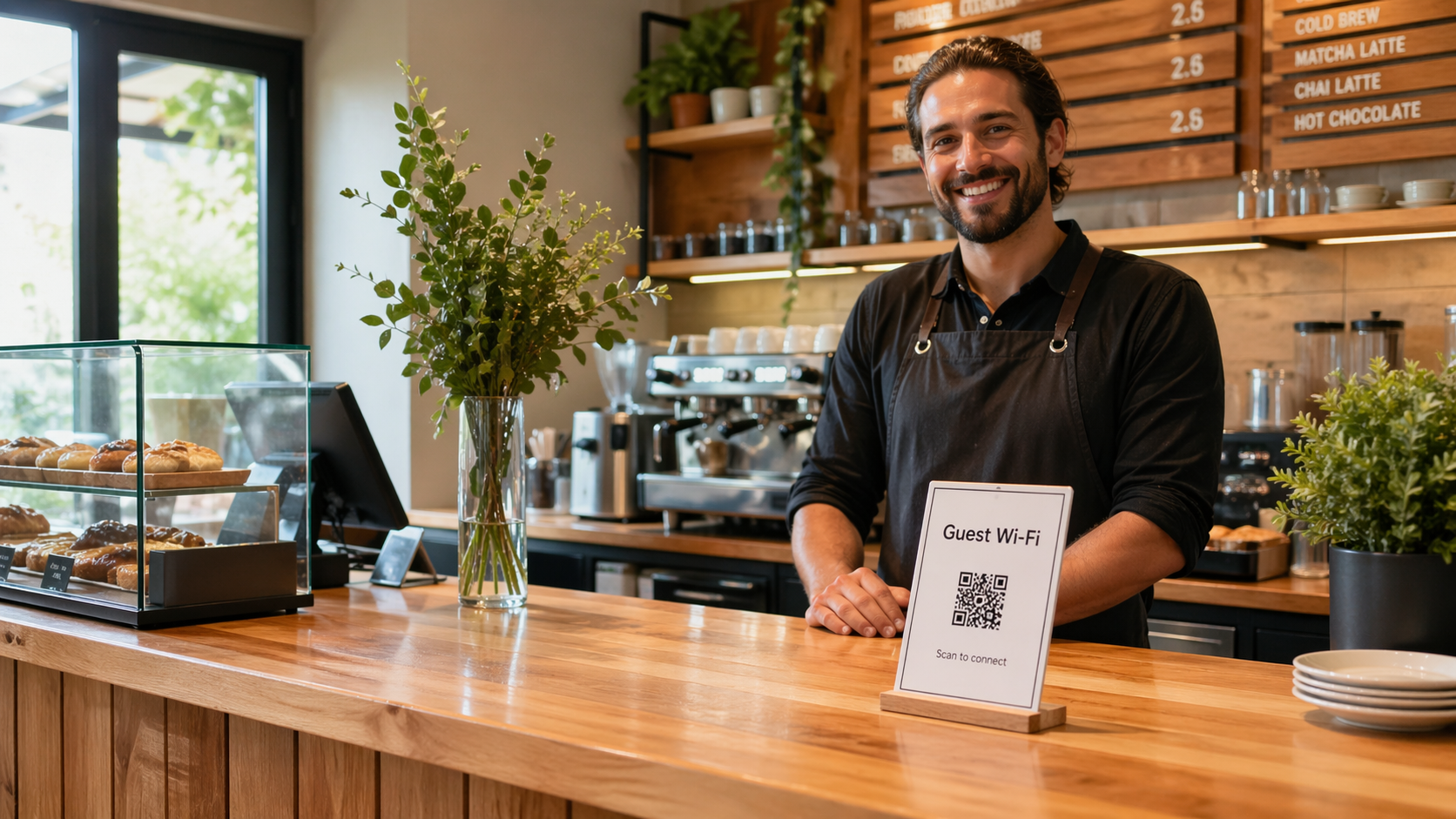
Leave quiet space around the modules, use dark-on-light art, and pick a print size you can scan from where people stand—often a bit larger than a postage stamp for counter easels.
Matte finishes usually beat glossy under overhead lights. If you laminate, prefer matte pouches or test a sample under your actual bulbs.
When you must regenerate
Any time the underlying URL changes, the old QR becomes wrong. Processor migrations, new wallet usernames, or rotated payment links all mean a new image from the Payment QR tool.
If only the page content changes but the URL stays the same, your existing print may still work—verify with a quick scan before reprinting a whole stack.
Pairing with contact or review flows
Customers often want a receipt and a way to reach you later. Keep payment QR physically separate from Contact Card QR or Google Review QR signs, or add a single line of text under each code so intent is obvious.
For pages that are not strictly “payment” but still need a URL in hand—house accounts, catering menus, or PDF invoices—a Link / URL QR uses the same print discipline with a more neutral label.
Next step: Copy your live payment or tip URL, paste it into the Payment QR tool, download the PNG, and run a real transaction or sandbox test before bulk printing.
For table service flows that sit next to pay-at-phone habits, read menu QR codes without annoying guests. For field crews who hand cards after a job, see contact QR for service businesses.