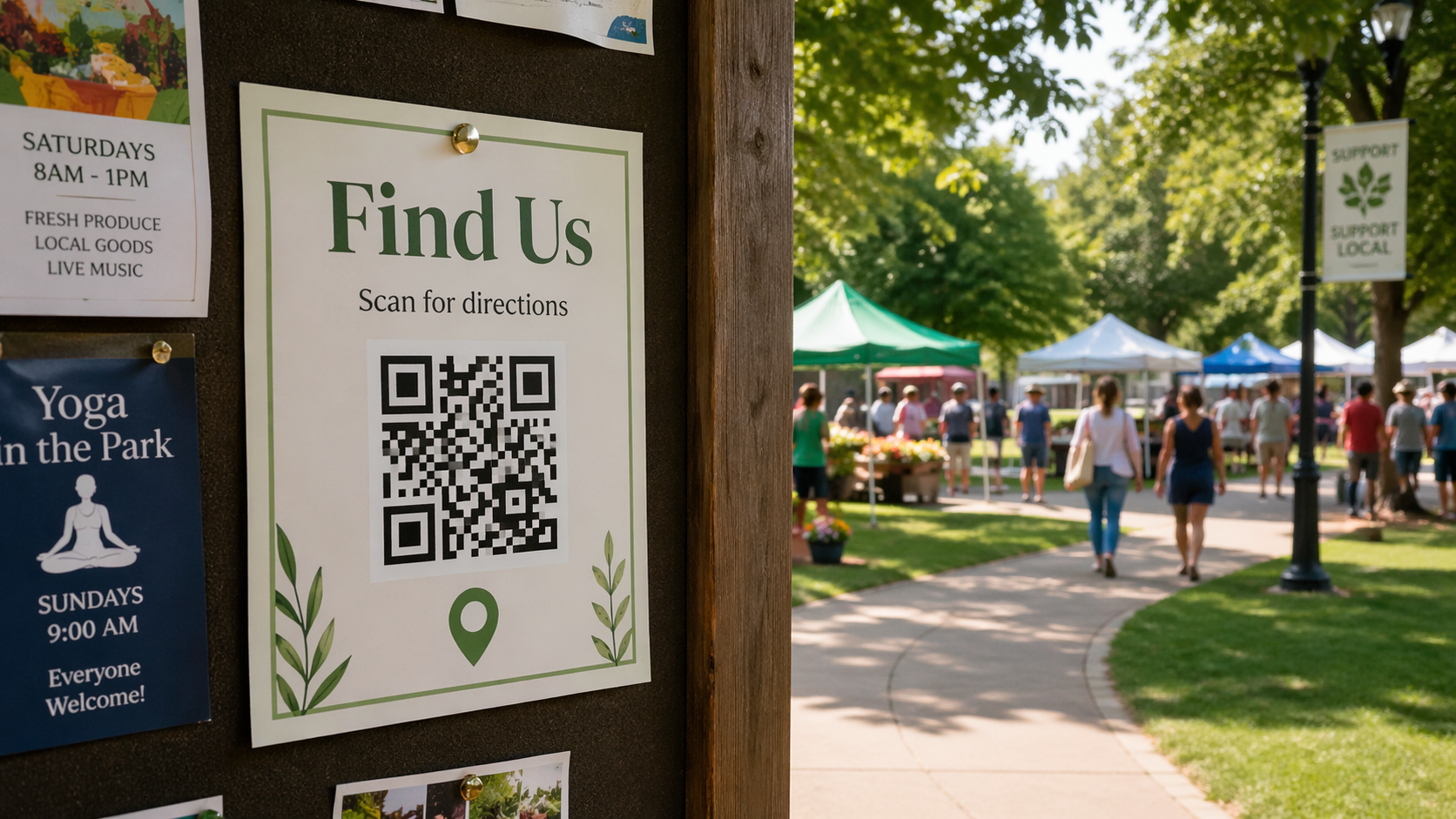
What a location QR code does
A location QR code opens a destination link, usually Google Maps or another map page, so visitors can tap once and get directions. It is a simple way to reduce “Where exactly are you?” calls.
For most small businesses, Google Maps is the default choice because customers already trust it and phones open it quickly.
With the Location QR Code Generator, you can paste a map URL directly or build a Google Maps search link from typed address details.
When to use one at a storefront or entrance
Use location QR signs when your address is easy to mistype, parking is behind the building, or your door is around the corner from the main street view. A small “Find us” sign on your window, door, or A-frame can remove confusion before someone gives up.
If your counter team often explains landmarks over the phone, this is usually a good sign that directions QR placement will help.
How it helps at events, markets, and pop-ups
Event spaces change quickly. Booth numbers, halls, and temporary pickup points are easier to share with one scan than by text instructions. Add the location QR to event posts, table signs, and printed handouts so late arrivals can navigate without calling staff.
For vendor setups, pair your location code with a Payment QR so customers can both find and pay at your booth with clear, separate labels.
Where to place it so people actually scan
- Front window or entrance door where people pause before walking in.
- Parking-area sign pointing to the correct unit or suite.
- Event booth backdrop or counter card at eye level.
- Order confirmation pages and pickup instruction printouts.
Keep each code labeled in plain words: Find us, Get directions, or Booth location. Ambiguous labels reduce scan confidence.
Google Maps link or typed address?
Use your existing map URL if you already have one that opens correctly on phones. This is often best for established storefronts and pinned locations.
Use typed address fields when you do not have a clean map link yet or when you want a fast, reliable Google Maps search URL generated for you. For non-map pages (like parking policies or event details), use the Link / URL QR instead.
Simple printing and usage tips
Print dark-on-light with enough white margin around the QR, avoid glossy glare near windows, and test from the same distance customers will stand. If your location changes, regenerate the code right away so old signs do not send people to the wrong place.
Next step: Create your directions code in the Location QR Code Generator, test one storefront sign and one event-ready print, then keep the version that gets fewer location questions.
If you also hand out contact details after visits, pair this with contact QR placement for service businesses. If you run checkout from temporary setups, review payment QR tips and quick checkout.